Appointments that organise themselves.
Your customers book around the clock via your website, Google or a link. Bookalina knows who is free when, which rooms or equipment are needed, and reliably prevents double bookings.
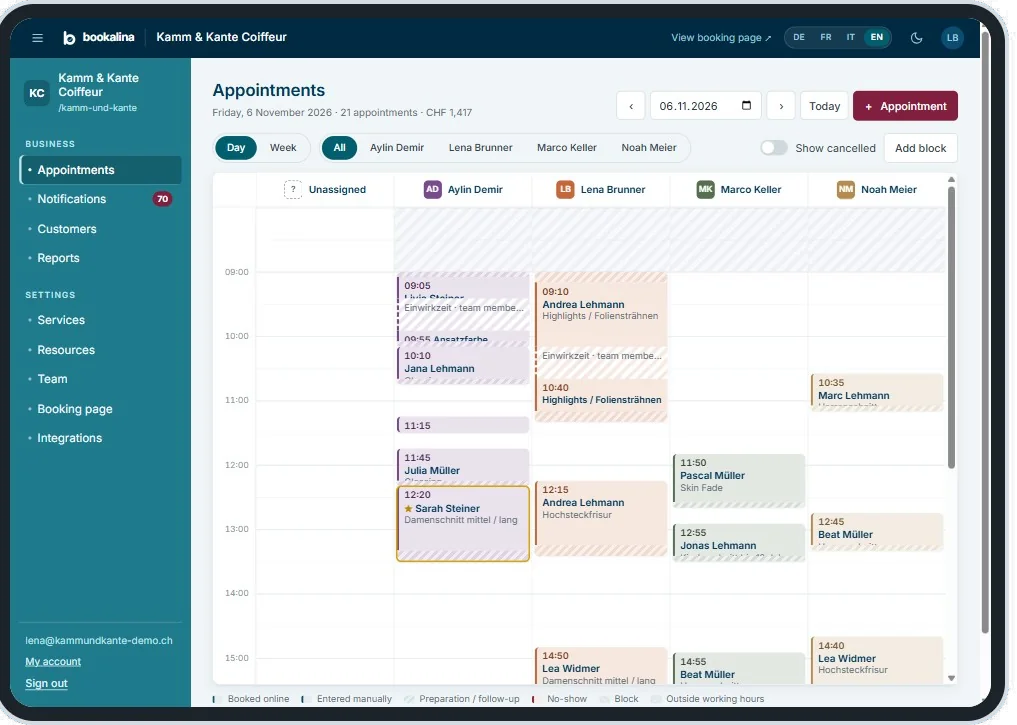
Everything a busy calendar needs.
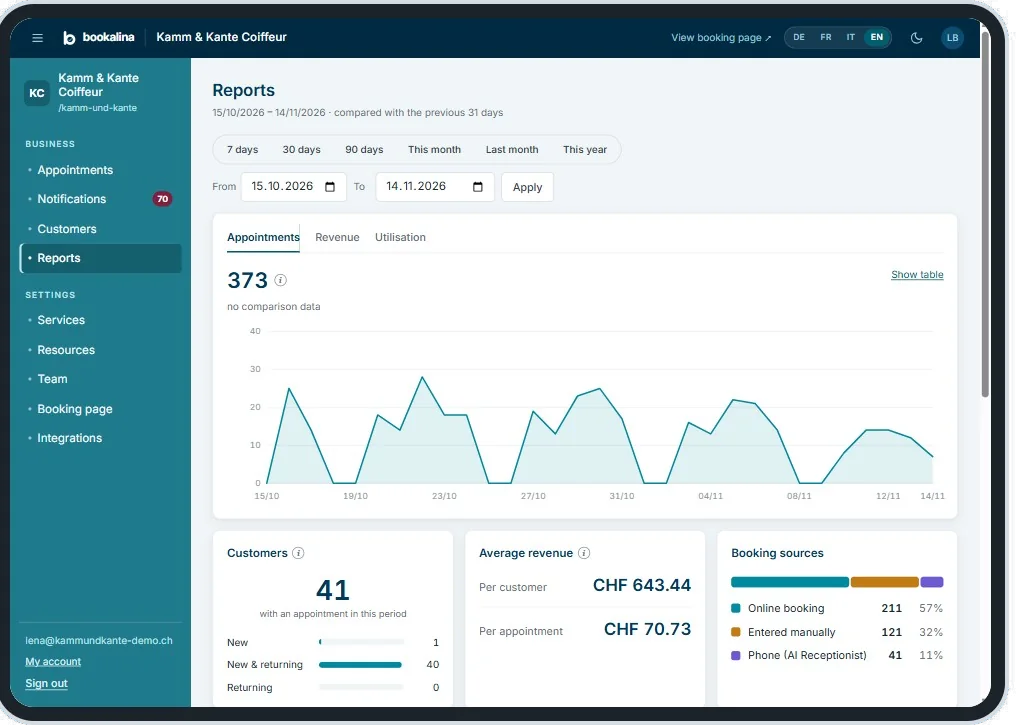
From your customer’s first click to the report at the end of the month.
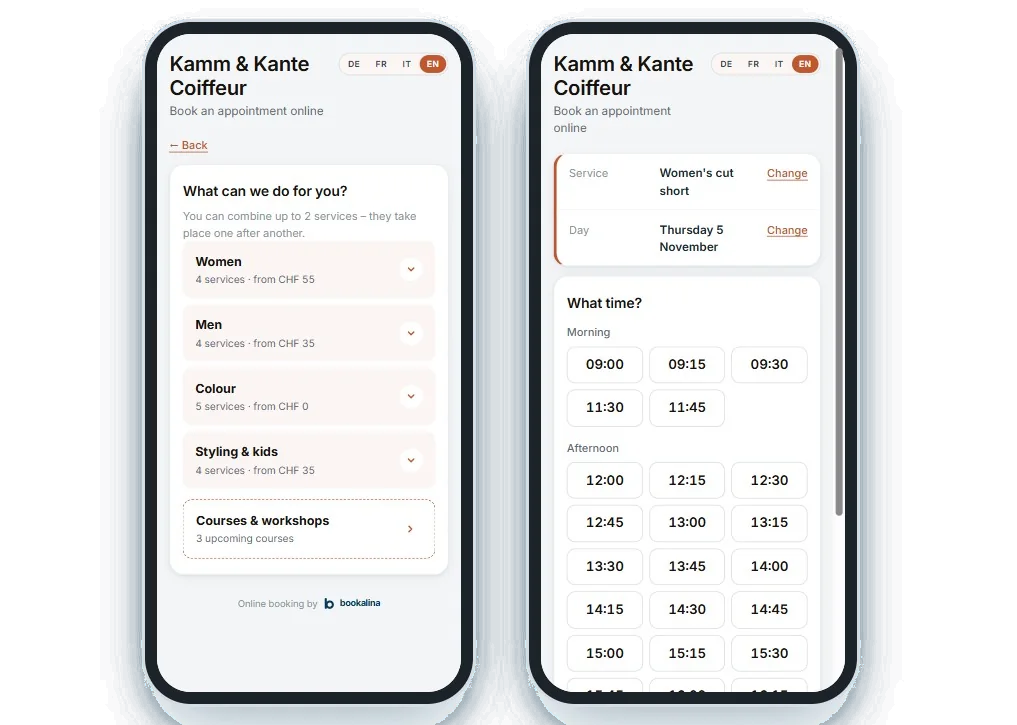
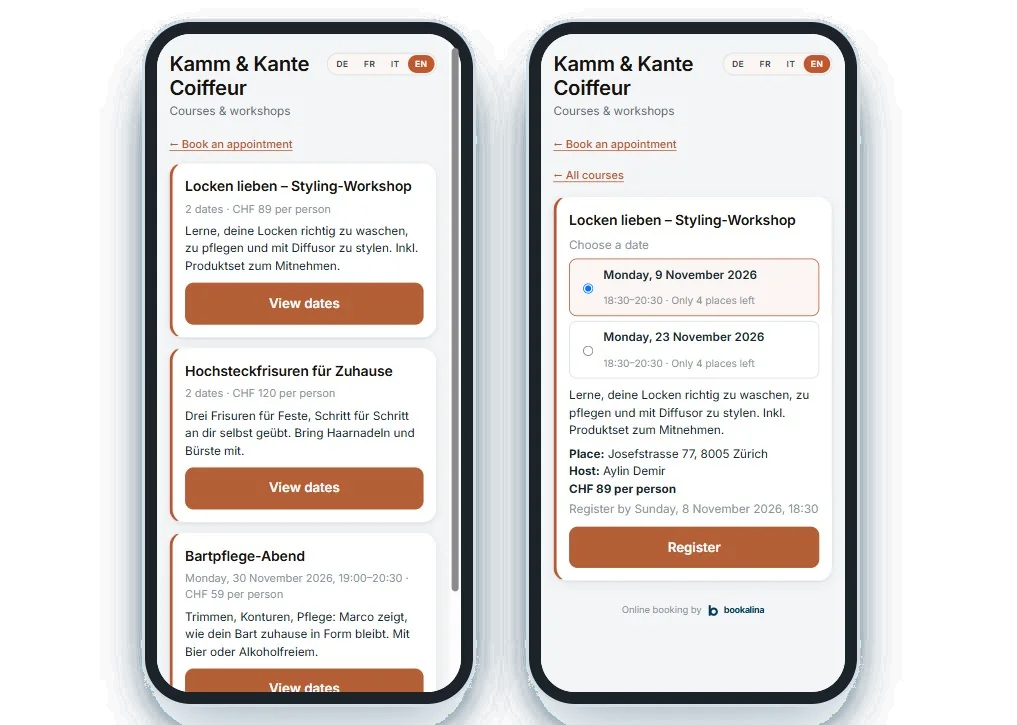
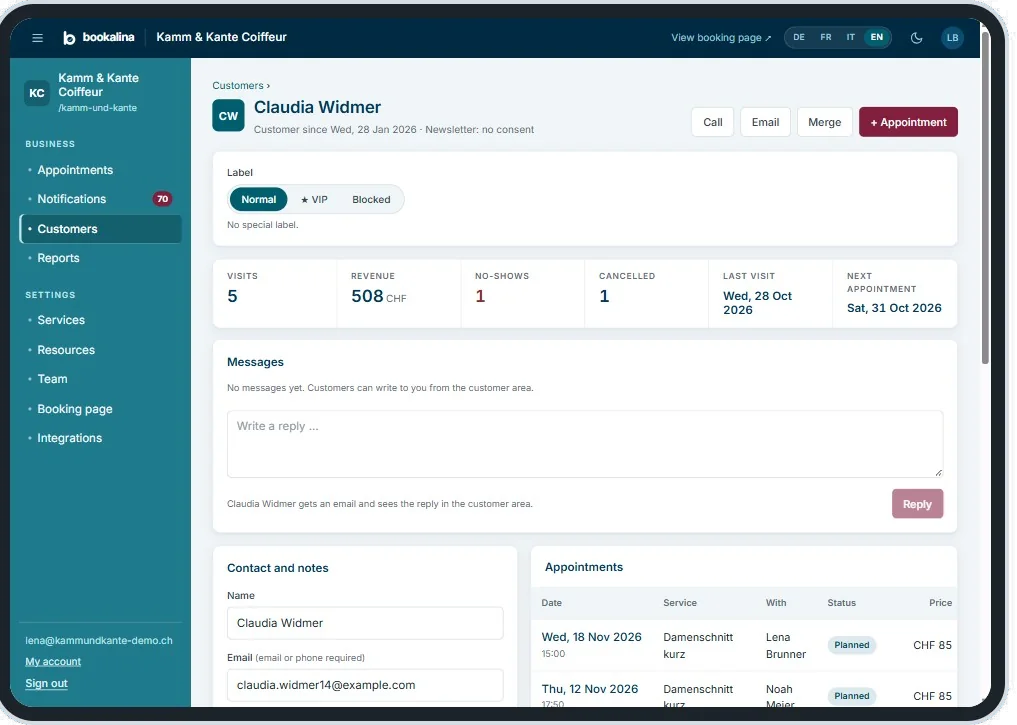
And much more.
Team & working hours
Each person with their own services, hours and colour. Assignment automatic, manual or by the customer.
Rooms, equipment & rentals
Resources are planned in too. Rent out bikes, rooms or equipment with packages and handover.
Meeting point at the customer’s
For driving schools and home visits: appointments at an address the customer enters when booking.
Reminders & confirmations
Emails with calendar file, a reminder the day before and a note on every change – in the language of the booking.
Customer portal
Your customers sign in without a password, see their appointments and send you messages.
Replies with AI suggestions
Reply to messages in one click: Bookalina suggests a text, you decide.
Widget in the look of your website
Bookalina reads the colours and fonts of your website and suggests matching designs for the widget.
Spam protection without puzzles
Invisible protection against bots and fake bookings, with no picture puzzles for your customers.
Zapier & API
Connect Bookalina with thousands of apps: new bookings, customers and blockers in both directions.
Works perfectly together.
Bookalina works on its own – and even better with the other Betriebli products.
Talkalina books straight into your calendar by phone and shows every call on the customer record.
More about Talkalina →Opted-in contacts and every appointment flow across automatically and trigger your automations.
More about Sendalina →Online payments, deposits and refunds on cancellation run through your POS.
More about Cassalina →Questions about Bookalina.
How does Bookalina prevent double bookings?
Every appointment is checked per person, room and piece of equipment – even if two people book at the same time. In the calendar you can overbook on purpose, but only after confirming.
Can my customers choose the person?
You decide: customers choose a person or “anyone”, the system assigns automatically, or appointments land in the “Unassigned” column and you distribute them yourself.
How do courses and waiting lists work?
You set places, sign-up deadline and waiting list per course, also as a series with several dates. When a place frees up, the next person moves up automatically.
More time for what you do best.
Let’s look together at how Betriebli can make your day easier. No obligation, in person.
Book a demo →